Bills, Charges & Cashier
Every clinical act becomes a charge the moment it happens — consultation, test, study, dispense, bed-day, theatre, consumable — on a running bill per visit or admission, split between the payer and the patient by the plan’s rules. The cashier sees one amount due, takes the payment, prints the receipt; finance posts to the ledger.
Where:Billing › Patient Bills · Charges · Cashier · Deposits · Packages
Before you start
- Service catalogue
- Every service has a price and a product; payer tariffs sit on the payer’s pricelist.
- Payment methods and journals
- Billing › Configuration: cash, card, bank transfer, each on its accounting journal.
- Packages
- Billing › Packages: a bundle of services at one price — a delivery package, a check-up, a dialysis month.
How to
Take a payment at the cashier
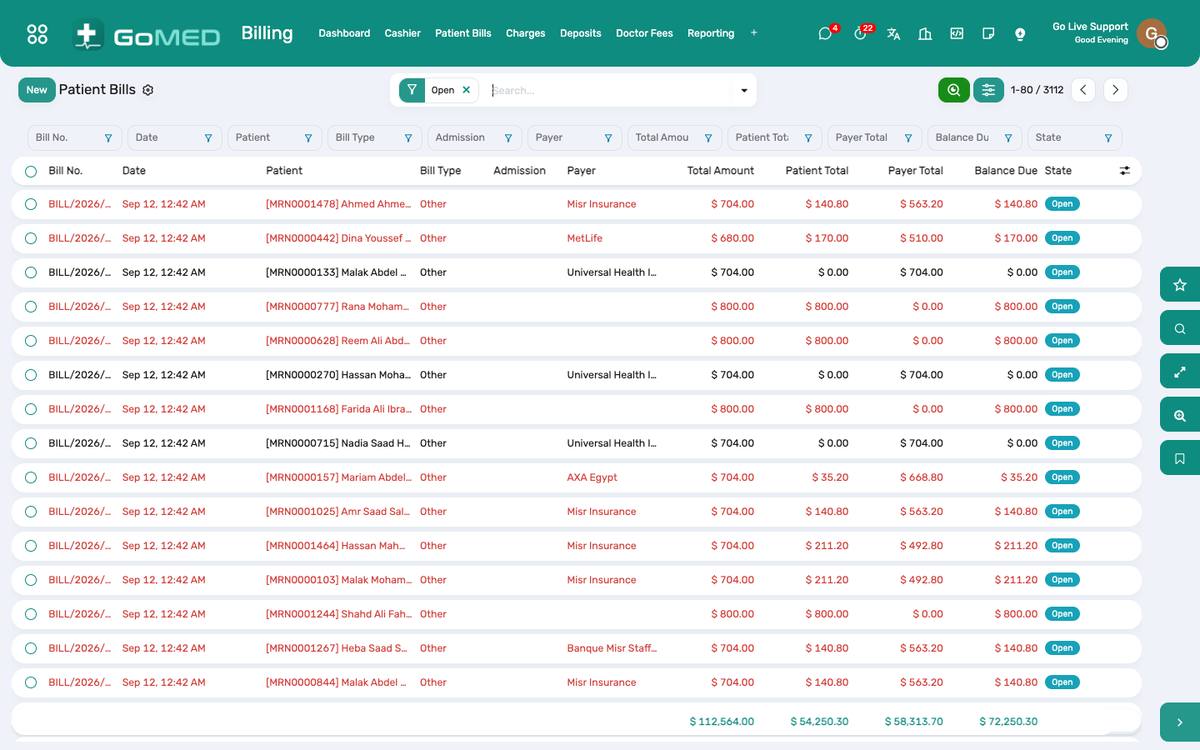
- Billing › Cashier: the patient’s open bills; scan the card or search the name.
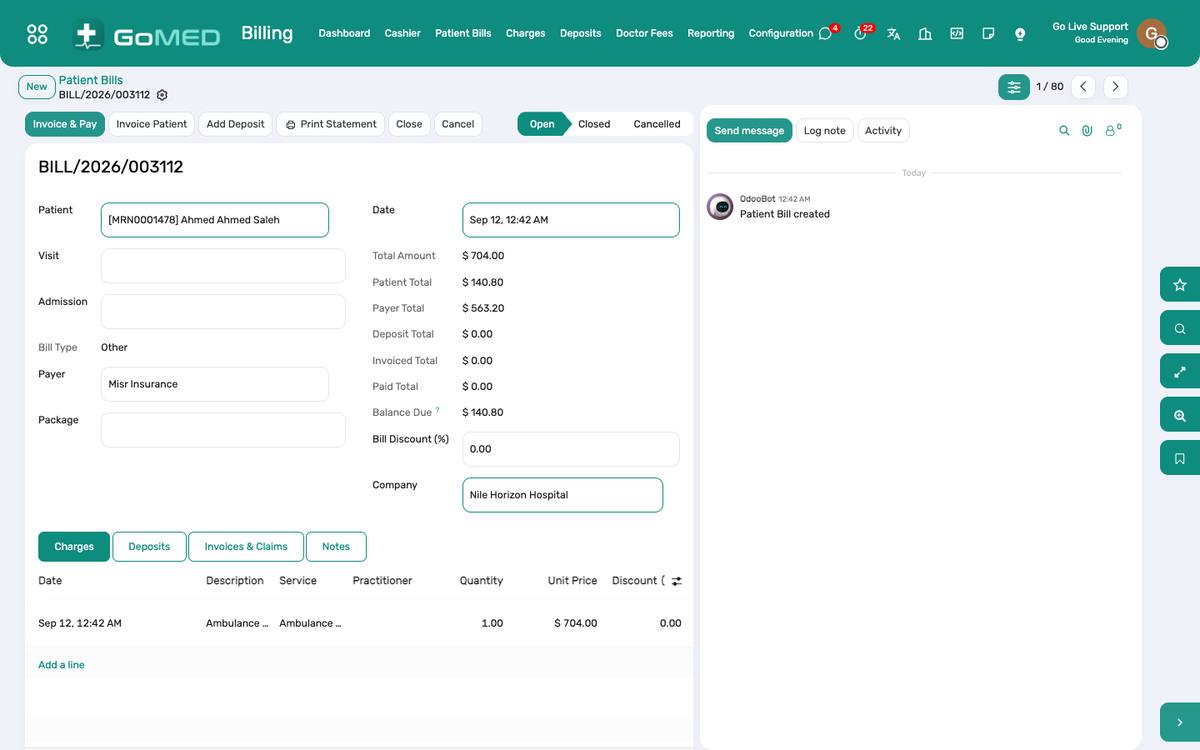
- The bill shows the charges, what the payer covers, the co-payment and the amount due from the patient.
- Register payment: method, amount; print the receipt.
- For an outpatient visit the desk usually collects before the consultation: the charge for the visit is already on the bill when the appointment is confirmed.
Add a charge by hand
- Billing › Charges › New (or from the bill): patient, service, quantity, the visit or admission it belongs to.
- Most charges never need this: they are captured by the clinical apps.
Take a deposit and settle an admission
- On admission, Deposits › New: the amount the family pays in advance; the receipt prints.
- During the stay the bill grows nightly with bed-days and every order.
- At discharge pending, the cashier opens the bill: the deposit is applied; the balance is paid or refunded; the bill is closed and posted.
Apply a discount or a package
- Discount on a bill line or the whole bill with a reason; above the limit it needs a manager’s approval (an activity is raised).
- Apply a package: the services inside are covered by the package price; anything outside is charged normally.
Close the day
- Billing › Cashier › Close session: the count by method against the receipts; differences are recorded.
- Finance sees the day’s takings on the cash and bank journals; the revenue report is under Billing › Reporting › Revenue Analysis.
Questions the desk asks
A charge is wrong.
Cancel it with a reason and add the right one; a posted bill is corrected with a credit note from Finance.
See also: Desk Payments (POS) Pre-authorisation, Claims & Doctor Fees Payers, Plans & Memberships Admissions & Bed Board