Patients online
Hospital Website
The hospital’s public site, branded from the company record: departments, the doctors’ directory with their schedules, online booking that lands in portal requests, the hospital map and directions, and the pages the hospital writes itself with the website editor.
For:MarketingReceptionAdministration
Where:https://<hospital>/ · Website app
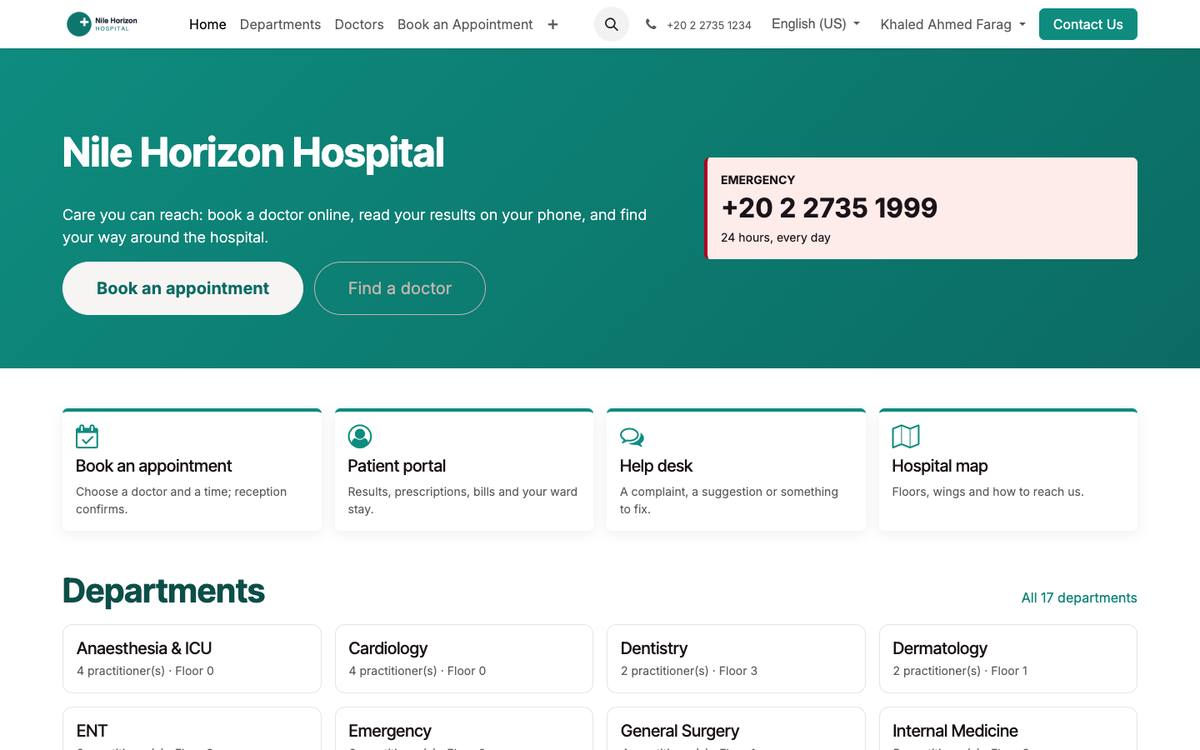
The public home page, branded from the company logo and colours.
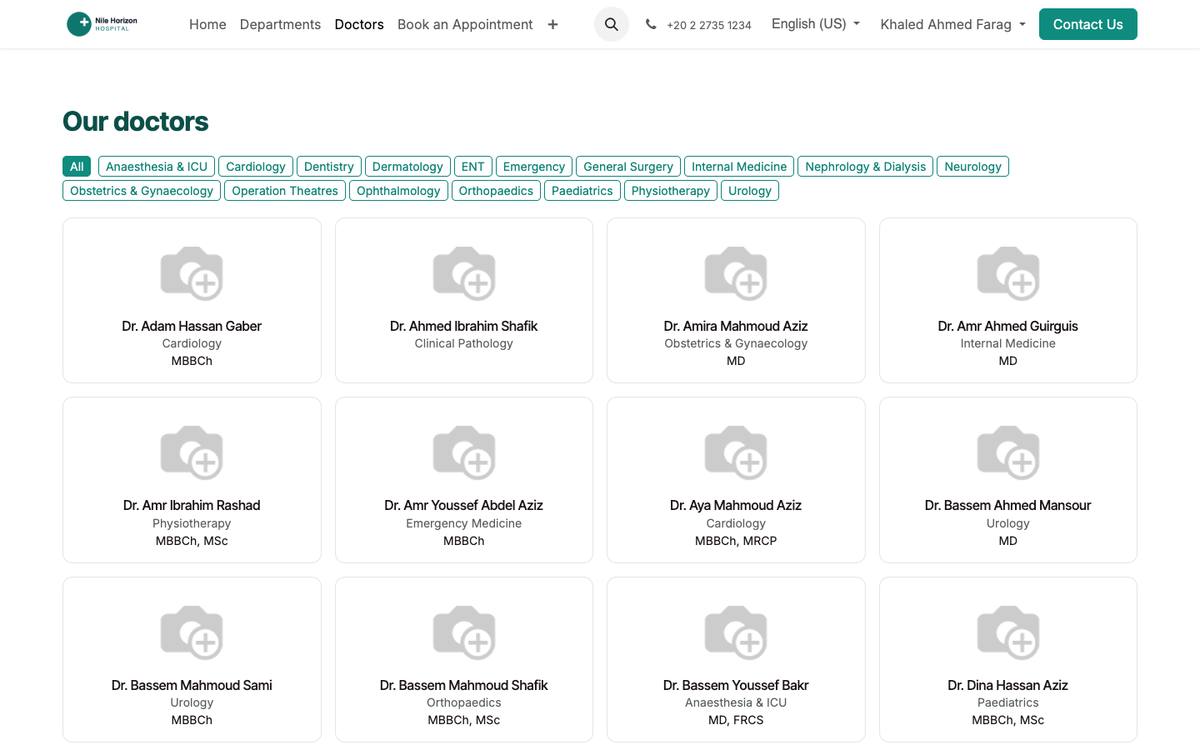
The doctors’ directory by department.
How to
Brand the site
- Settings › Companies: logo, colours, phone, e-mail, address, the emergency number; the site takes them.
- Website › Edit on any page to change texts and pictures with the editor.
Publish departments and doctors
- A department or a practitioner is on the site when Published is ticked on its record; add a photo and a short biography.
Receive online bookings
- /book: the visitor chooses department, doctor, date and leaves their phone; the request appears under Patient Portal › Portal Requests for reception.
Publish the map
- Patients › Configuration › Settings › Hospital map: upload the floor plan and the directions; it shows on /hospital-map, the portal and the app.
See also: Patient Portal Appointments, Queue & Teleconsultation