People & supply
Staff, Roster, Attendance & Payroll
Employees with credentials and licences, the duty roster per ward and shift, attendance from biometric devices or the app, leave with allocations and approvals, payroll with the Egyptian rules, expenses, recruitment and the staff self-service on the portal and the app.
For:HRDepartment headsNursing administration
Where:Employees · Practitioners › Duty Roster · Attendances · Time Off · Payroll · Expenses · Recruitment
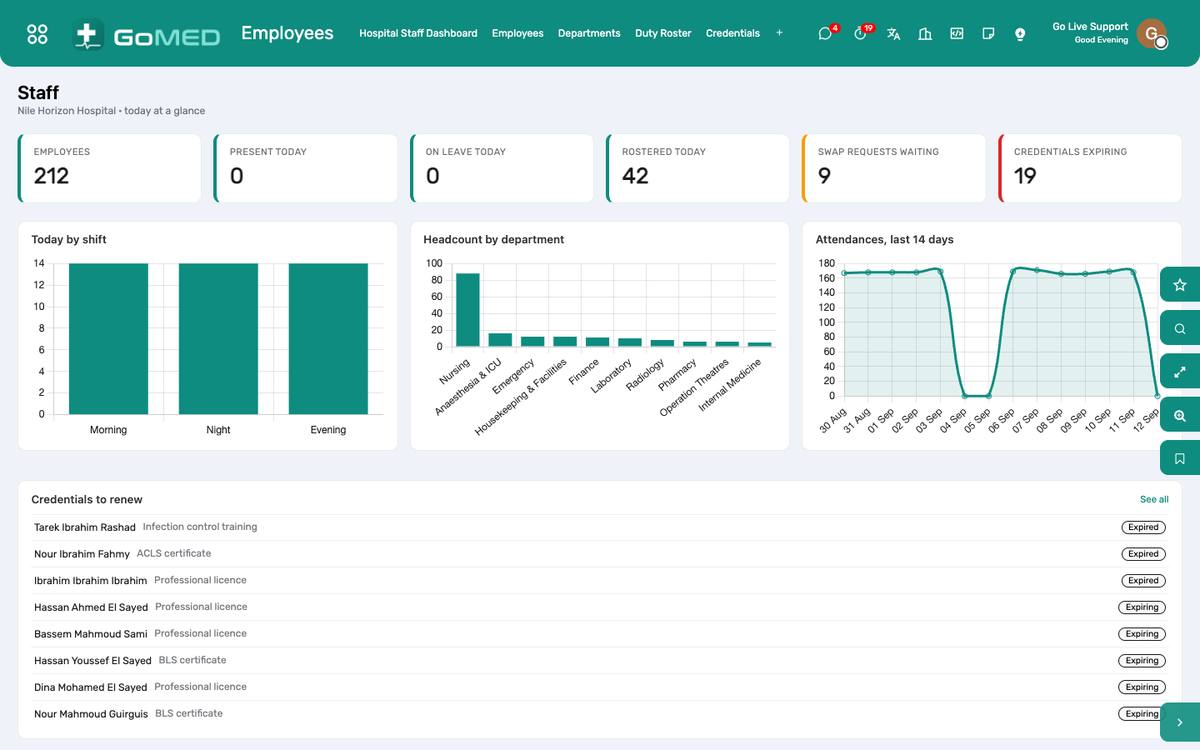
The staff dashboard: headcount, attendance, leave, credentials expiring.
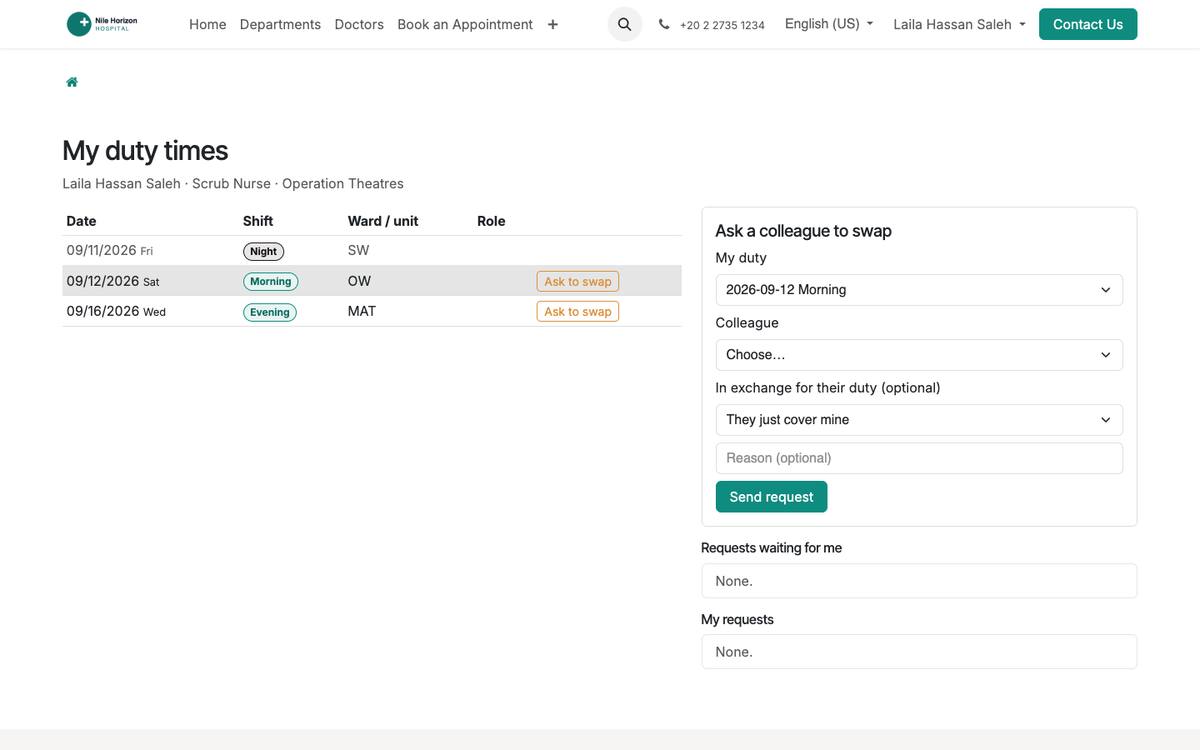
Staff self-service on the portal: duties, swaps, leave, payslips.
How to
Plan the duty roster
- Practitioners › Duty Roster: the ward, the period; assign nurses and doctors to shifts (morning, evening, night) per day.
- Publish; staff see their duties on the portal and the app.
- Swap requests from the app arrive under Patient Portal › Duty Swaps: the colleague accepts, the department head approves, the roster updates.
Record attendance
- Biometric devices feed Attendances automatically; the app’s check-in does the same.
- Late arrivals and absences are computed against the schedule for payroll.
Manage leave
- Time Off › Allocations per leave type and year; requests from staff (portal, app, back office) go to the manager for approval; balances show on the payslip.
Run payroll
- Payroll › Payslip batches per month: work entries from attendance and leave, the salary structure with the Egyptian tax and insurance rules, doctor fee statements as inputs.
- Validate the batch; post to accounting; payslips reach the staff on the portal and the app.
Track credentials
- Practitioners › Credentials: licences and certifications with expiry; the dashboard warns 60 days ahead.
See also: Practitioners, Departments & Services Mobile App (patients and staff) Pre-authorisation, Claims & Doctor Fees