Clinical
Emergency Department
Triage in seconds on the ESI 1–5 scale with the first vitals, a tracking board of everyone in the department by acuity and waiting time, and a disposition — admit, discharge, transfer, left against advice, deceased — with its paperwork.
For:Triage nursesER physiciansCharge nurse
Where:Emergency › Triage · Tracking Board · ER Visits
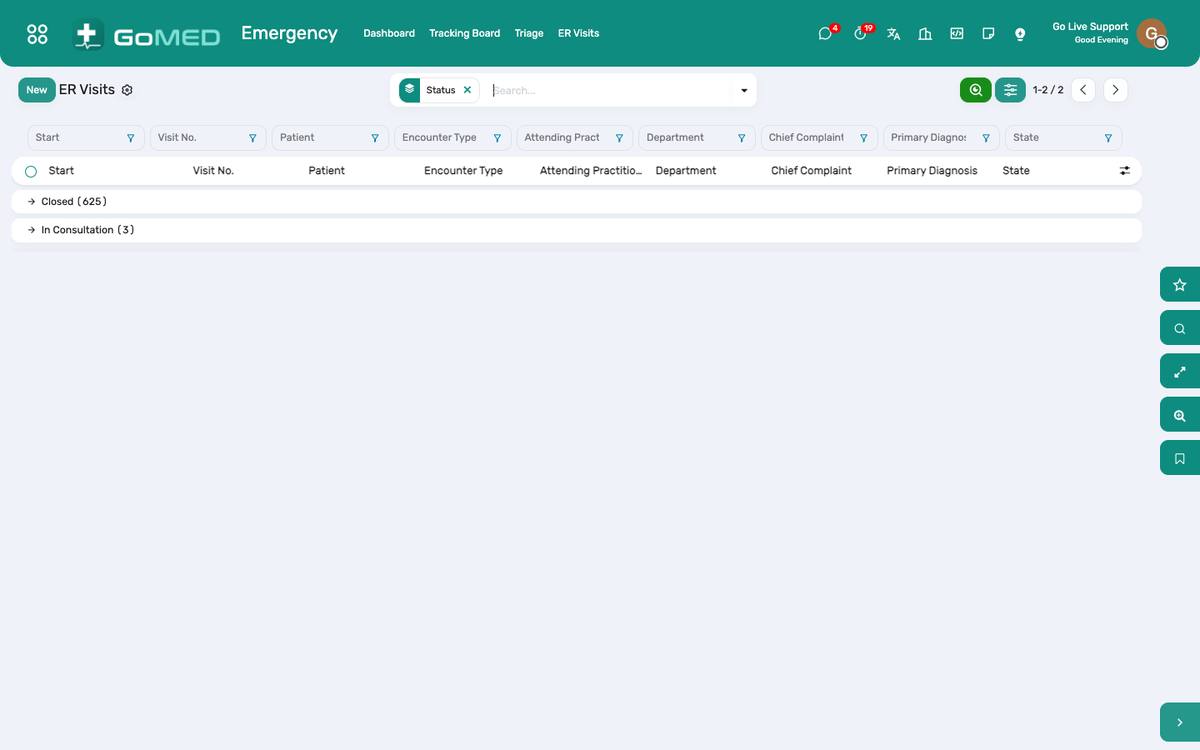
The tracking board: acuity, location, time since arrival, who is waiting for what.
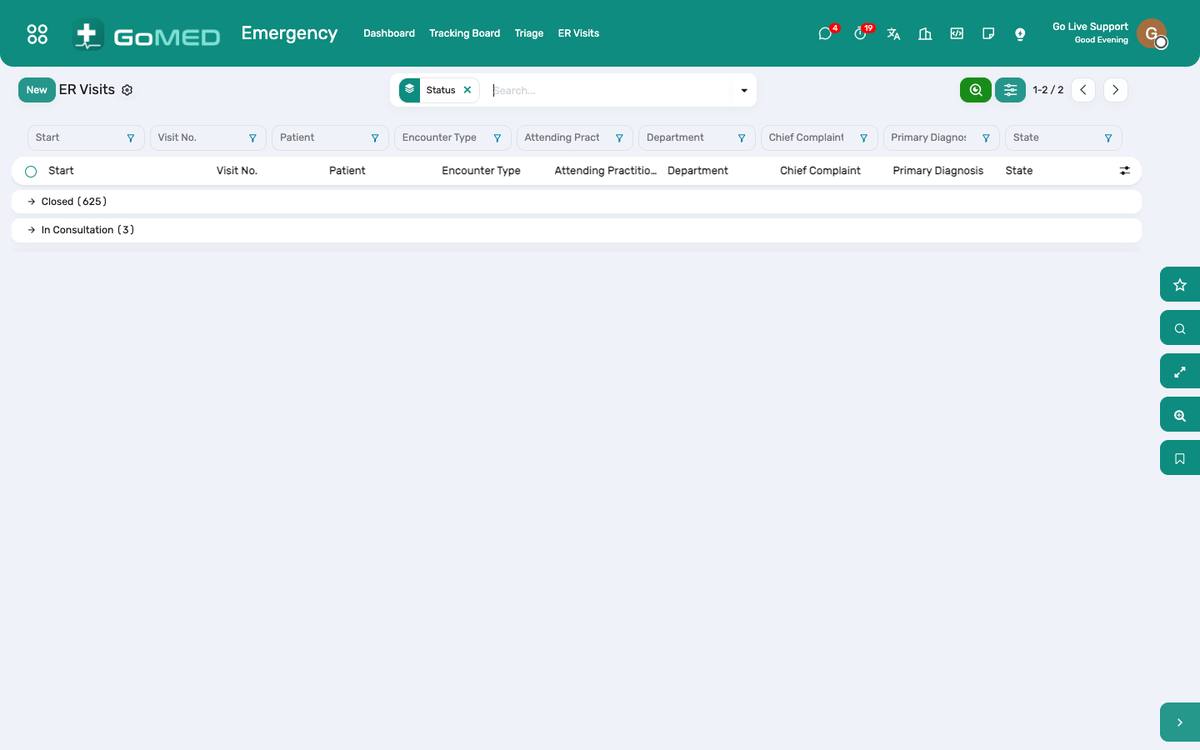
Triage: arrival mode, complaint, first vitals, ESI level.
How to
Triage an arrival
- Emergency › Triage › New: the patient (or Quick register for an unknown one), arrival mode, chief complaint, first vitals.
- Choose the ESI level; the time of triage is stamped.
- Assign a bay or a bed; the patient appears on the tracking board.
Work the tracking board
- Emergency › Tracking Board: sorted by acuity, then waiting time; colour by level.
- Click a patient to open the ER visit; Seen by doctor stamps the door-to-doctor time.
- Orders, results and vitals are on the visit as in any other.
Record the disposition
- On the ER visit, Disposition: Admit (opens the admission and books a bed), Discharge (with instructions), Transfer (destination, ambulance), Left against advice, Deceased.
- The length of stay is computed; the dashboard reports door-to-doctor and length of stay per shift.
See also: Admissions & Bed Board Visits (EMR) Ambulance, Diet, Housekeeping, CSSD & Mortuary