Visits (EMR)
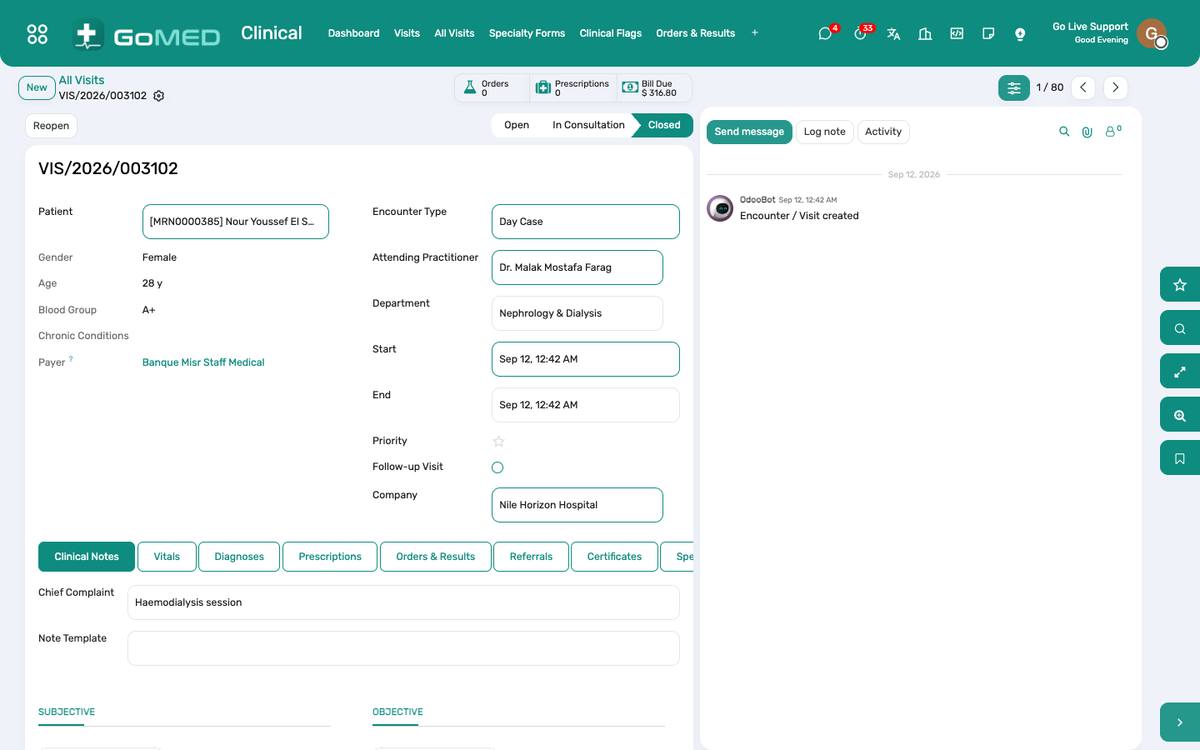
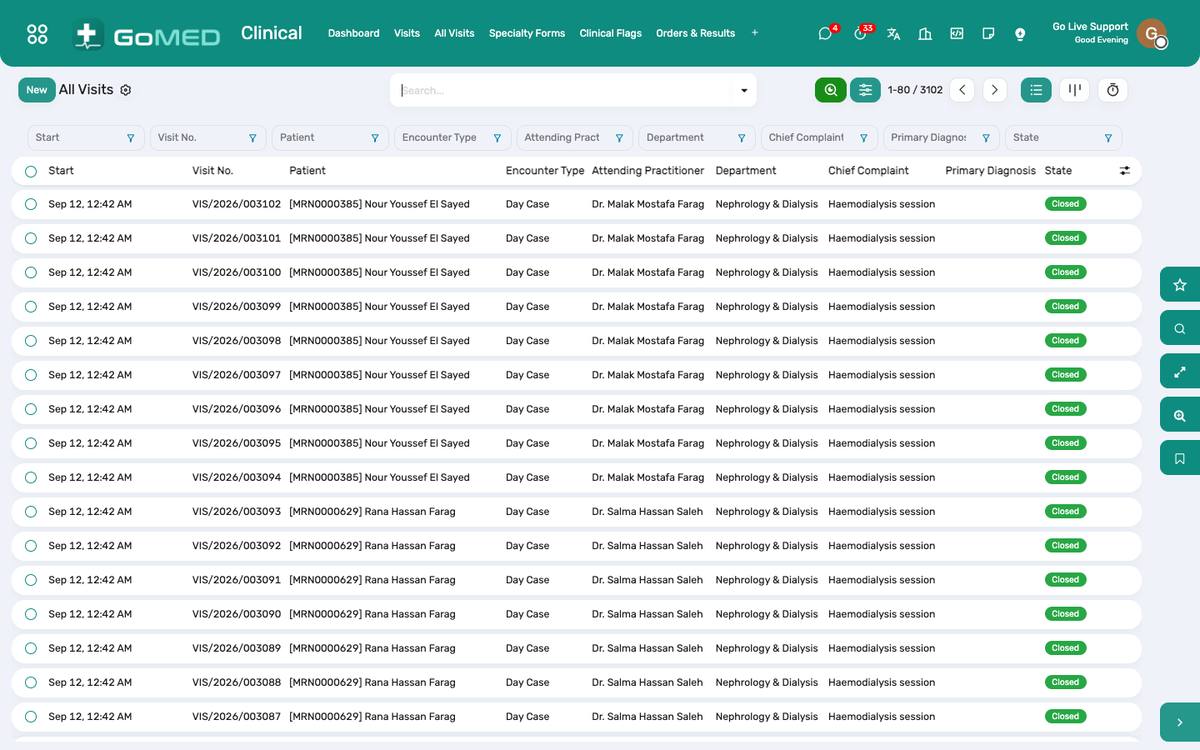
The electronic medical record. A visit (encounter) is one contact — outpatient, emergency or inpatient — with vitals, complaint, history, examination, diagnoses coded in ICD-10, orders, prescriptions, referrals and a signed note. The patient’s whole history is one click away from the visit.
Where:Clinical › Visits · All Visits · Vital Signs
Before you start
- Note templates
- Clinical › Configuration › Note Templates: SOAP templates per specialty that pre-fill the note.
- Specialty forms
- Structured forms per specialty — see the Specialty Forms chapter.
How to
Start a visit from the queue
- Appointments › Today’s Queue › Start consultation on the arrived patient (or on the appointment itself).
- The visit opens in state In progress with the patient’s allergies, chronic conditions, last visits and open results in the side panel.
- A walk-in without an appointment: Clinical › Visits › New, choose the patient and the department.
Record vital signs
- On the visit, Vital Signs › Add: respiratory rate, saturation, oxygen, blood pressure, pulse, temperature, consciousness, weight, height.
- NEWS2 is computed the moment all seven parameters are in; an incomplete set shows “not scored” with what is missing.
- A medium or high score shows the response the score calls for; on an admitted patient it also raises an activity for the ward nurse.
Document the consultation
- Chief complaint, history, examination; pick a note template if one fits.
- Add diagnoses from the ICD-10 catalogue; mark one as principal.
- Orders tab: laboratory tests, imaging, procedures and nursing orders — each becomes a request in that department’s queue.
- Prescription: see the Prescriptions chapter.
- Follow-up date and instructions print on the visit summary the patient takes home.
Refer to another practitioner or department
- Clinical › Referrals › New from the visit: target department or practitioner, urgency, the reason.
- The receiving department sees it under its Referrals; accepting it books the appointment.
Close and sign the visit
- Click Done. The visit is signed with your name and time and can no longer be edited; an addendum goes in the chatter.
- The charges captured during the visit are on the patient’s bill at the cashier.
- Undo is available to a clinical manager only, and is logged.
Read a patient’s history
- From any visit, the side panel lists previous visits, admissions, results and prescriptions; click any of them.
- The patient form › smart buttons open every part of the record: Visits, Results, Prescriptions, Admissions, Bills, Documents.
Questions the desk asks
A flag appeared on the visit — what is it?
A clinical rule found a measurement past a threshold. It names the measurement; it never diagnoses or blocks care. See Specialty Forms & Clinical Flags.
See also: Specialty Forms & Clinical Flags Prescriptions & Orders Certificates & Consents Appointments, Queue & Teleconsultation