Patients & Registration
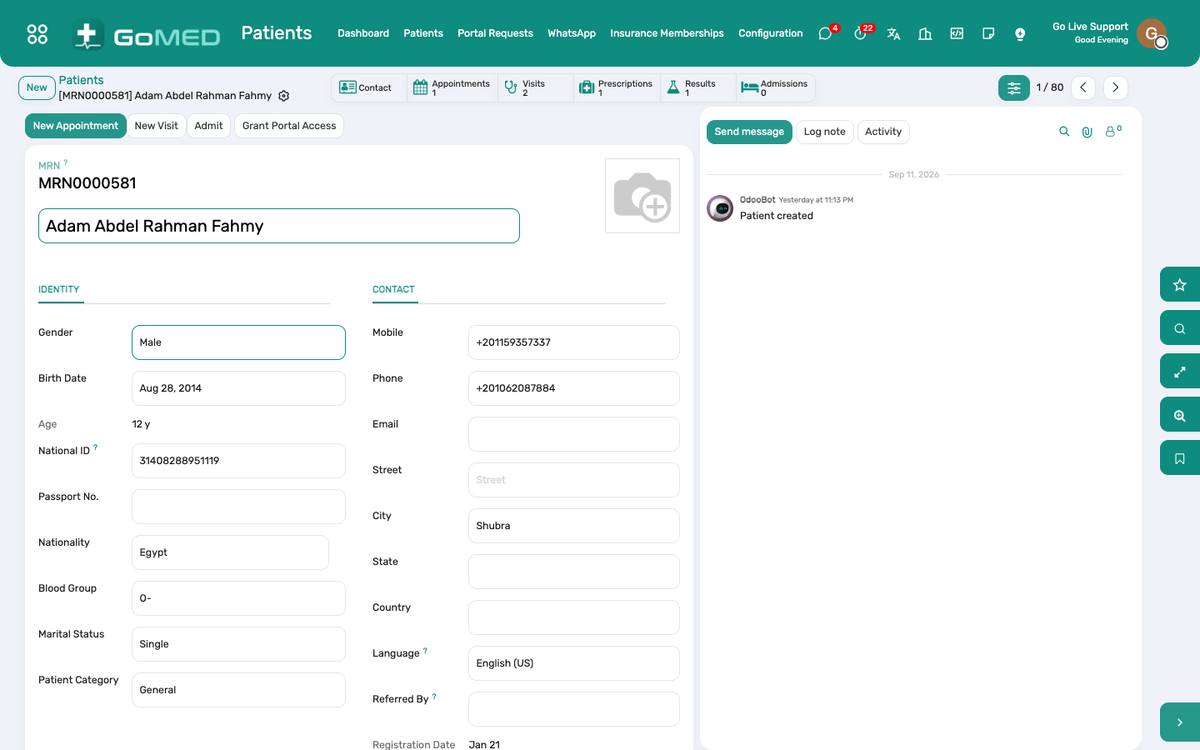
One record per human being, with a permanent medical record number (MRN). Everything else — visits, results, bills, admissions — hangs off it. Registration takes a minute; the wristband barcode, the photo and the insurance membership are set here and used everywhere.
Where:Patients › Patients
Before you start
- MRN format
- The sequence and prefix are under Patients › Configuration › Settings. Set them before the first patient; they never change afterwards.
- Departments and specialties
- Under Patients › Configuration. Every practitioner and every visit belongs to a department.
- Allergies and diagnoses
- The allergy list and the ICD-10 catalogue ship loaded; add local entries under Configuration.
How to
Register a new patient
- Patients › Patients › New.
- Type the name; the system warns if a patient with the same name and birth date exists — open that one instead of creating a duplicate.
- Fill birth date, gender, phone, national ID; the MRN is assigned on save.
- Add the insurance membership on the Insurance tab (payer, plan, member number, validity) so the cashier sees the coverage.
- Click Camera to take the photo with the webcam, or upload one.
- Save. The wristband code is printed on the identification band from Print › Wristband.
Find a returning patient
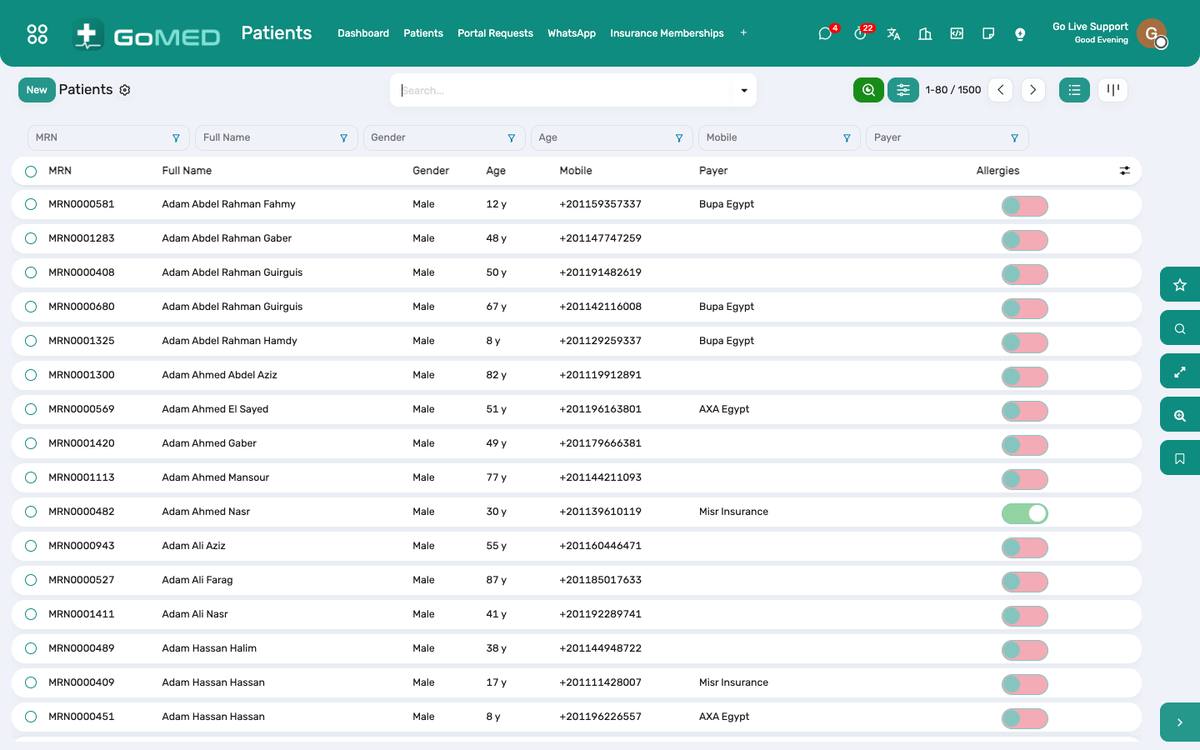
- In the Patients list, type the phone number, the national ID or the MRN in the search box.
- Or scan the wristband or the patient card: the barcode reader types the code and the record opens.
- Check the photo and the birth date before opening a visit.
Record allergies, chronic conditions and alerts
- On the patient form, Clinical tab: add each allergy with its reaction and severity.
- Add chronic conditions from the ICD-10 catalogue.
- Tick VIP, Staff or another category if it should be visible on every screen; it appears as a coloured badge on the visit, the bed board and the pharmacy queue.
Merge a duplicate
- Open the record to keep; ⚙ › Merge patients.
- Choose the duplicate; the visits, bills and documents move to the kept record and the duplicate is archived with a note.
- Only a medical-records user can merge; the action is logged in the chatter of both.
Mark a patient deceased
- Medical Records › Deaths › New, or from the admission’s Discharge as deceased.
- Once a death notification is issued the patient file is flagged deceased, the patient card is revoked and no new visit can be opened.
Give a patient portal access
- On the patient form, Portal tab › Grant portal access; the patient needs an e-mail address.
- The invitation e-mail carries the link to set a password.
- The same login works on the mobile app at /app.
Questions the desk asks
Can the MRN be changed?
No. It is the one identifier that never changes; corrections go through a merge.
Where is the wristband printed?
Print › Wristband on the patient, or from the admission. The code is the MRN prefixed WB; a scanner reads it at the bedside.
See also: Patient Documents & Photo Patient Card & Verified Documents Payers, Plans & Memberships Appointments, Queue & Teleconsultation